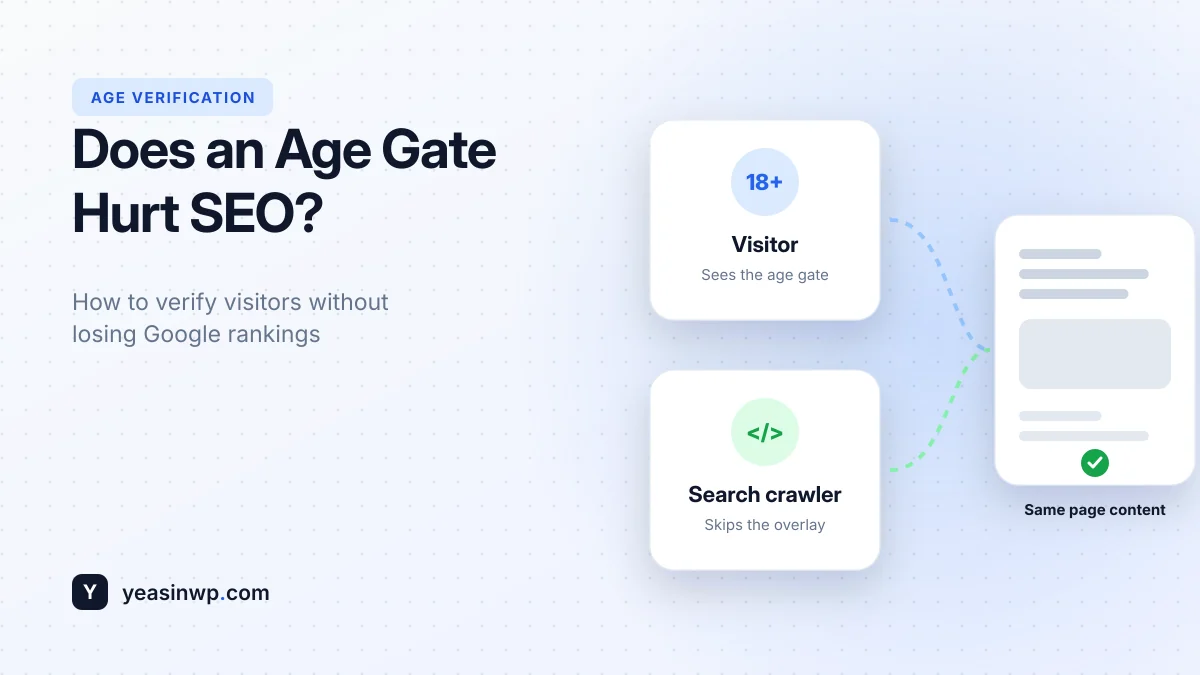
Short answer: an age verification popup does not hurt SEO when it is set up correctly. Google has said that interstitials shown because of a legal obligation, such as age verification, are not penalised like promotional popups. Rankings drop when the gate stops search engines from reading your content, redirects to a separate page, or slows the site down. Avoid those three mistakes and your age gate is safe.
Many owners of alcohol, vape and CBD sites worry that adding an age gate will wipe out their Google traffic. Some even skip the gate because of it, which creates a compliance risk instead. This article explains what actually affects rankings, how an SEO-friendly age gate works, and how to check your own site.
What Google says about age verification popups
When Google introduced its intrusive interstitials signal for mobile search in 2017, it listed exceptions. Interstitials that respond to a legal obligation, such as cookie consent or age verification, were explicitly not targeted. Google has repeated since then that legal interstitials are fine.
So the popup itself is not the problem. The problems come from how it is built.
The 3 ways an age gate can hurt your SEO
1. Search engines can't see your content
If Googlebot is treated like a new visitor, it may only see the popup, or a blank page behind it. Google then has little to index, and your pages can lose rankings or drop out of search completely.
2. Redirecting to a separate "age check" page
Some age gates send every new visitor to a page like /age-check/ and then back. Search engines may follow that redirect and index the age check page instead of your product, or see every URL redirecting to the same place. It also adds a full extra page load for visitors.
3. A slow or heavy popup
Core Web Vitals are part of Google's page experience signals. A popup that loads large scripts, fonts or videos before the page can render, or shifts the layout when it appears, can hurt your scores. Server-side gates can also break page caching, which slows down every page.
How an SEO-friendly age gate works
A well-built age gate does four things:
- Shows the real page underneath. The URL and content are the same for everyone. The gate is a light overlay on top.
- Lets search crawlers through. It recognises crawlers such as Googlebot and Bingbot and doesn't show them the overlay. The content they index is the same content visitors see after verifying.
- Checks the cookie in the browser. The verified/not-verified check happens with a small script, so cached pages stay cached and fast.
- Remembers the visitor. A 30-day or session cookie means people verify once, not on every page.
This is exactly how Advanced Age Verification is built. Even the free version includes automatic crawler bypass, client-side cookie detection that works with WP Rocket, LiteSpeed, W3 Total Cache and Cloudflare, and only a few kilobytes of assets.
SEO-safe age gate checklist
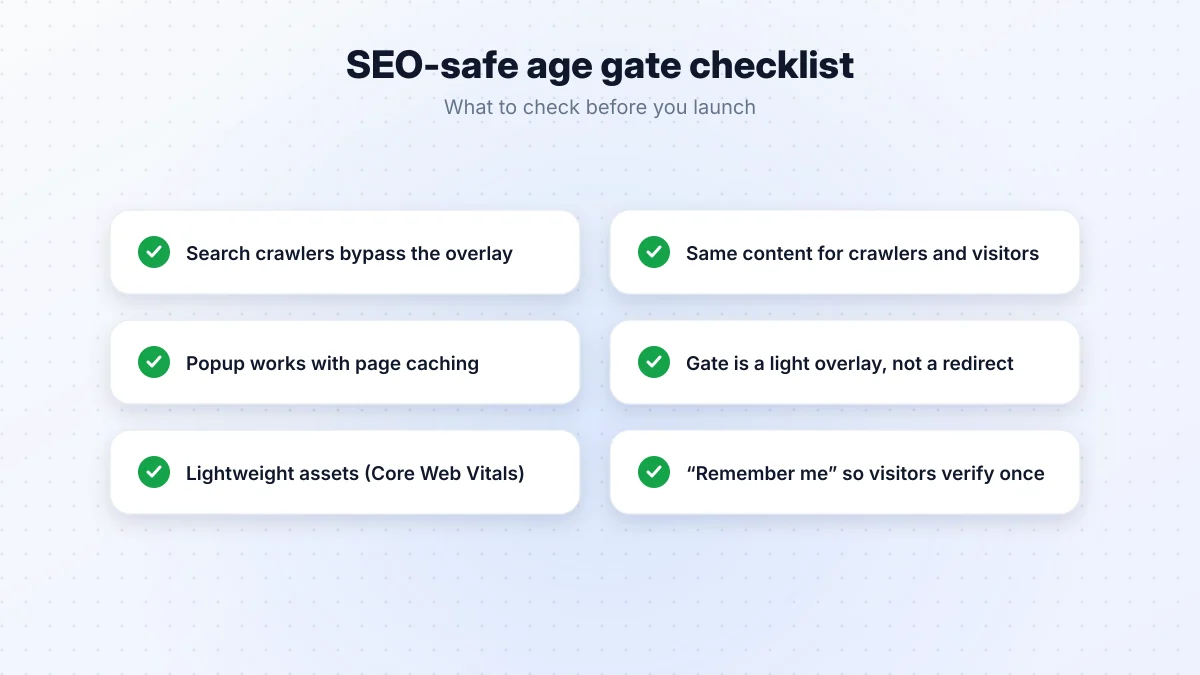
- Search crawlers bypass the overlay.
- Crawlers and verified visitors see the same content.
- The popup works with your page cache.
- The gate is an overlay, not a redirect to another URL.
- The assets are small, so Core Web Vitals don't suffer.
- A "remember me" cookie means visitors verify once.
How to check your own site
Use Google Search Console's URL Inspection
- Open Google Search Console and paste one of your product or category URLs into the inspection bar.
- Click Test live URL, then View tested page.
- Look at the screenshot and the HTML. You should see your real page content, not only the age popup.
Check your rankings and indexing
- In Search Console, open Pages and check that your important URLs are indexed.
- Search Google for
site:yourdomain.comand check that the result titles and descriptions come from your real pages, not from the popup text.
Measure page speed
Run your homepage and a product page through PageSpeed Insights before and after adding the gate. A lightweight gate should make little or no difference.
What about the popup text in search results?
If your search results show snippets like "Are you 21 or older? Yes / No", Google indexed the popup instead of the page. That is a sign the crawler bypass is missing. Switch to a plugin with crawler detection, then request reindexing of your key pages in Search Console.
Conclusion
You don't have to choose between compliance and rankings. Google accepts age verification popups as a legal requirement. Keep the gate as a light overlay, let crawlers through, make sure it works with caching, and check your pages with URL Inspection. To set one up step by step, read How to Add an Age Verification Popup to WordPress, and for online stores see our WooCommerce age verification guide.