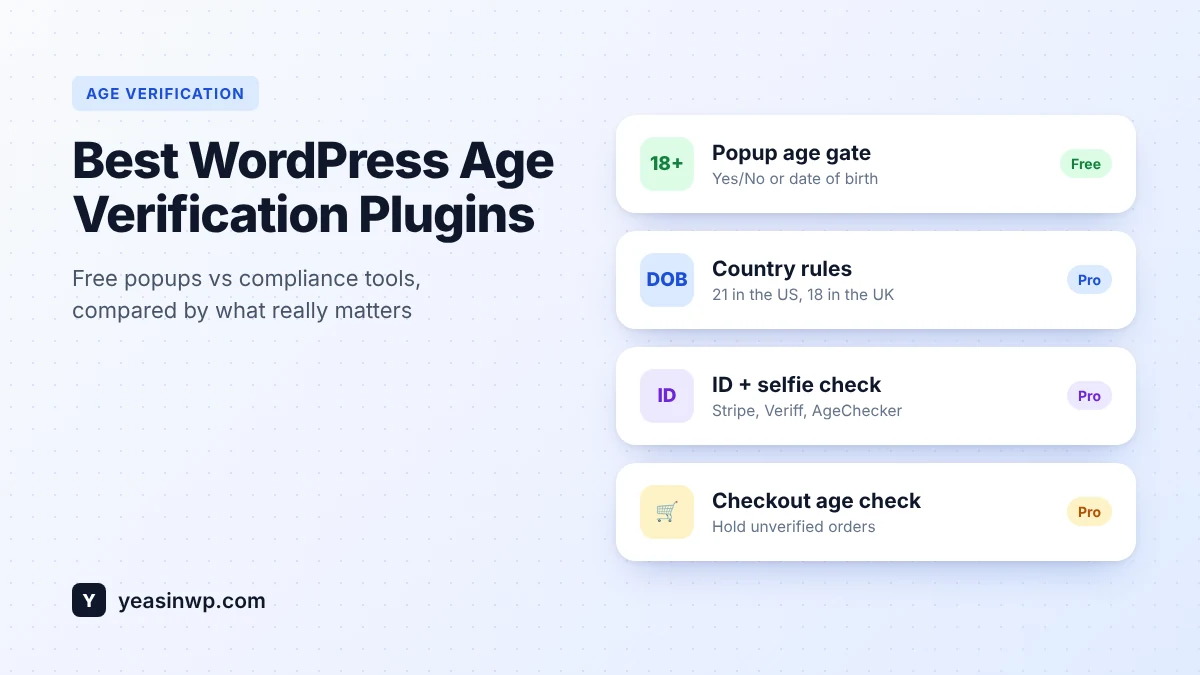
Short answer: if you only need a simple 18+ or 21+ popup, a free plugin like Advanced Age Verification Popup or Age Gate is enough. If you sell alcohol, vape, CBD or adult products online, or you need different rules per country, real ID checks or a WooCommerce checkout check, you need a plugin built for compliance, such as Advanced Age Verification Pro, or a dedicated ID service connected to your store.
Most "best age verification plugin" lists compare screenshots. That is the wrong test. Almost every age gate looks fine on a demo page. The differences show up later: when your caching plugin serves the wrong page, when Google stops indexing your products, or when a regulator asks how you checked a customer's age. This guide compares the main types of WordPress age verification tools by what actually matters for a real business.
The four types of age verification tools for WordPress
Before picking a plugin, decide what level of checking your business needs. There are four broad types, and they solve different problems.
| Type | How it checks age | Good for | Limits |
|---|---|---|---|
| Popup age gate (free plugins) | Yes/No buttons or a date of birth the visitor types in | Breweries, wineries, blogs and brands that need a "reasonable step" | Self-declaration only. Anyone can click "Yes". |
| Page builder widgets | A popup or section built inside Elementor or another builder | Sites already built fully in one page builder | Tied to that builder. Usually no checkout or country rules. |
| Form-based checks | An age or birthday field inside a form plugin | Gating a single form, contest or download | Not a site-wide gate. Easy to bypass. |
| Compliance plugins and ID services | Date of birth plus ID document, selfie or database checks, per country | Online alcohol, vape, CBD, tobacco, betting and adult sites | Costs money, and real ID checks add a small fee per check. |
Many store owners start with a free popup and only realise later that their market needs stronger checks. Picking a plugin that grows from a simple popup to real verification saves you a migration later.
What to compare (the checklist most reviews skip)
- Caching compatibility. If you use WP Rocket, LiteSpeed Cache, W3 Total Cache or Cloudflare, a gate that decides on the server can show the wrong page to the wrong visitor. A gate that checks a cookie in the browser avoids this. This single detail causes most "my age gate is broken" support tickets.
- SEO safety. Google has to read your pages to rank them. A good age gate lets search crawlers through while still showing the gate to people. We explain how in Does an Age Verification Popup Hurt SEO?
- Verification strength. Yes/No, date of birth, ID document, selfie match or database check. Can you use a stronger method only where the law requires it?
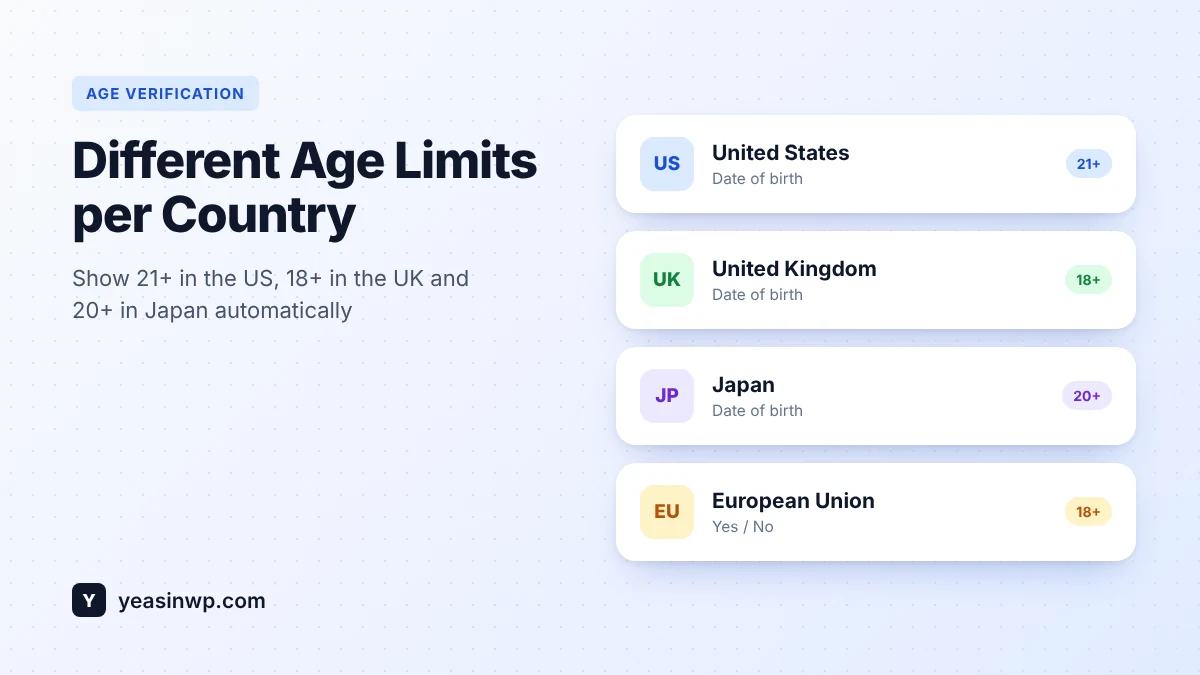
- Rules per country or state. The legal age is 21 in the US, 18 in most of Europe and 20 in Japan. If you sell across borders, one fixed age is either too strict or too loose somewhere.
- WooCommerce checkout. A popup on page load is not the same as checking age before an order ships. Look for a checkout age check and per-product or per-category minimum ages.
- Records. If you are ever asked to prove your process, can you export who was checked, when and how?
- Speed. The gate loads on every page. It should add only a few kilobytes and never block rendering.
The main options compared
1. Advanced Age Verification Popup (free) and Pro
Full disclosure: this is our plugin, so weigh our opinion accordingly. We built it around the checklist above.
The free version on WordPress.org covers the basics well: Yes/No or date of birth, your own colors, text and logo, a live preview, a "remember me" cookie, a setup wizard, pages that never show the popup, and a redirect for under-age visitors. It checks the cookie in the browser, so it works with WP Rocket, LiteSpeed Cache, W3 Total Cache and Cloudflare, and it lets search crawlers through.
Advanced Age Verification Pro adds what regulated stores need:
- Real ID checks through Stripe Identity, Veriff or AgeChecker.Net, plus manual ID upload with a review queue.
- Region rules: a different method or minimum age per country, per US state or for the whole EU.
- A WooCommerce checkout age check with order hold, minimum age per product or category, and adult-signature notices on emails and packing slips.
- A compliance vault with audit logs and a downloadable PDF report.
- Analytics (views, pass rate, failed checks, drop-offs), A/B testing, scheduling, webhooks, a REST API, WPML and Polylang, multisite and team access.
Best for: stores that sell age-restricted products, and anyone who wants to start free and upgrade later without losing settings. Your free settings carry over to Pro automatically.
Price: free on WordPress.org. Pro starts at $39 one-time for 2 sites, or $29 per year.
2. Age Gate
Age Gate is one of the most installed free age verification plugins on WordPress.org. It is a solid choice for a classic full-page age gate and lets you restrict content per page. It is a good fit for brand sites that only need a self-declaration step. If you later need ID checks or checkout rules, you will need to add other tools.
3. Page builder widgets (for example, Elementor add-ons)
If your whole site lives in Elementor, an age verification widget from an Elementor add-on pack lets you design the gate exactly like the rest of your pages. The trade-off is that the gate depends on that builder, and these widgets are usually design tools rather than compliance tools.
4. Form plugins with age fields
Form plugins such as WPForms can lock a form behind an age or birthday field. This works for a contest entry or a download, but it is not a site-wide age gate and should not be your only check for selling restricted products.
5. Standalone ID verification services
Services like AgeChecker.Net, Veriff or Stripe Identity check ID documents, selfies or databases. On their own they do not give you an age gate, country rules or a WordPress settings screen, so most stores connect them through a plugin. Advanced Age Verification Pro connects to all three.
Quick feature comparison
| Feature | Typical free popup | Advanced Age Verification (free) | Advanced Age Verification Pro |
|---|---|---|---|
| Yes/No and date of birth | Usually | Yes | Yes |
| Works with page caching | Varies | Yes | Yes |
| Lets search crawlers through | Varies | Yes | Yes |
| Different age per country or US state | Rarely | No | Yes |
| ID document and selfie checks | No | No | Yes (Stripe Identity, Veriff, AgeChecker.Net) |
| WooCommerce checkout age check | Rarely | No | Yes, with order hold |
| Audit log and PDF compliance report | No | No | Yes |
| Analytics and A/B testing | No | Basic counter | Yes |
Which one should you choose?
- A brewery, winery or brand site that sells offline: a free popup is usually enough. Start with the free plugin and set your minimum age.
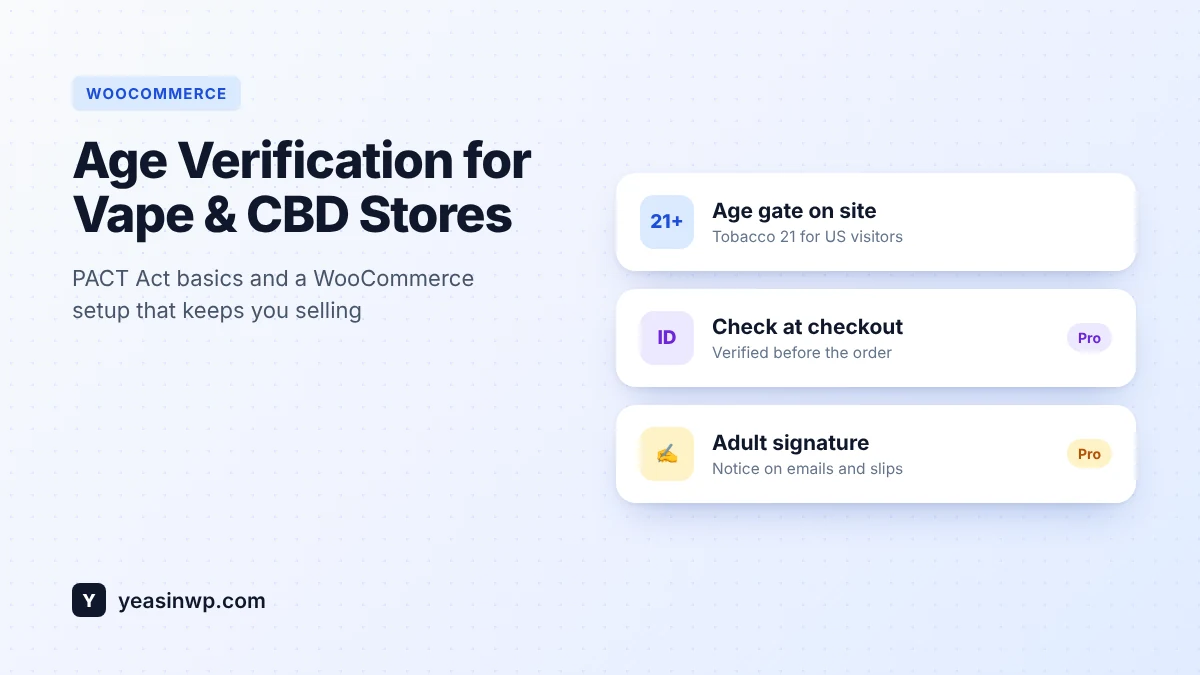
- An online shop shipping alcohol, vape, CBD or tobacco: you need more than a popup. Look for a checkout age check, per-country rules and records. Read our guide to age verification for vape and CBD stores.
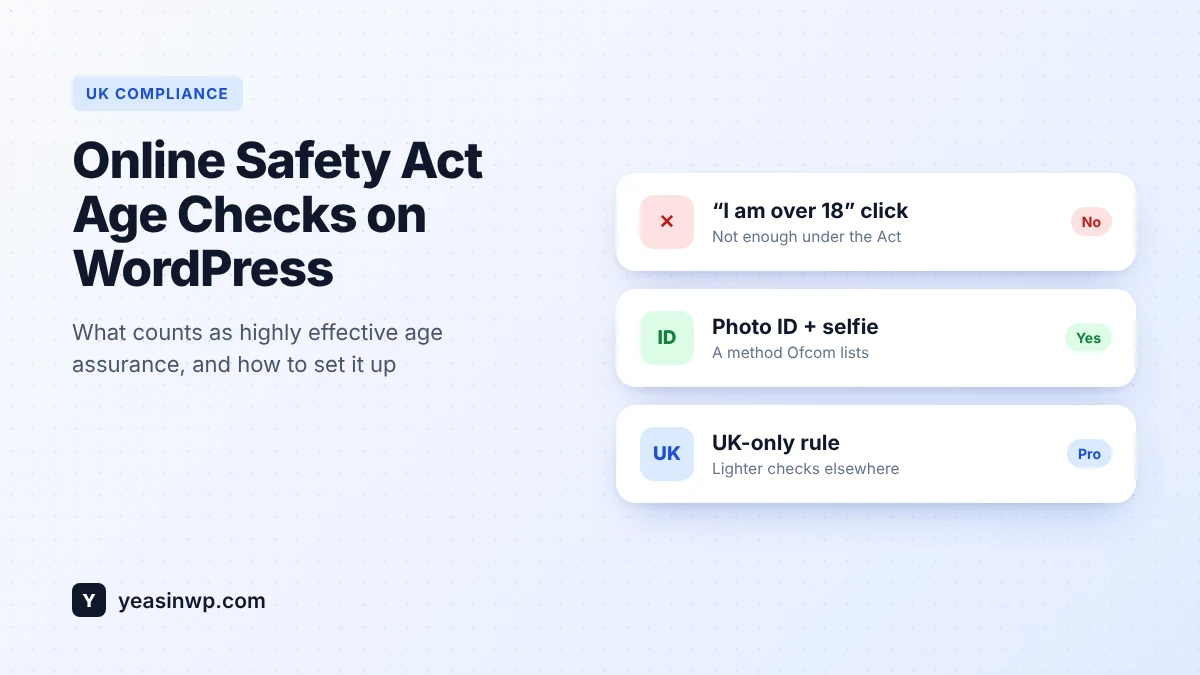
- Adult content or a community site visible in the UK: self-declaration is not enough under the Online Safety Act. See the UK Online Safety Act guide for WordPress.
- An agency managing many client sites: pick one plugin you can deploy everywhere, with import/export of settings and multisite support.
Common mistakes when choosing an age verification plugin
- Testing only while logged in. Many caching plugins skip logged-in users. Always test in a private window.
- Blocking Googlebot. A gate that hides your content from crawlers can quietly remove your products from search results.
- Using a popup where the law expects proof. A Yes/No click is a reasonable first step, not proof of age. Know which applies to you.
- Collecting more data than needed. If you store dates of birth or ID images, you take on privacy duties. Prefer providers that check the ID and return only a pass or fail.
This article explains technical options. It is not legal advice. Age rules differ by product, country and state, so check what applies to your business.
Try it free, upgrade when you need to
Install the free Advanced Age Verification Popup plugin and set up your age gate in a few minutes. When you need ID checks, country rules or a WooCommerce checkout check, upgrade to Pro. Your settings carry over, and nothing on your site changes until you switch the new features on.