Short answer: to add real ID verification to WordPress, you connect an identity provider (such as Stripe Identity, Veriff or AgeChecker.Net) to your site and decide where the check happens: on page load, only for certain countries, or at WooCommerce checkout. Advanced Age Verification Pro connects to all three providers, so you paste your API keys, pick your rules and keep everything else in WordPress.
A Yes/No popup asks visitors to tell the truth. An ID check asks them to prove it. For many sites the popup is enough. But if you sell age-restricted products online, run adult content that is visible in the UK, or operate in a state that requires stronger checks, you need a method that actually verifies age. This guide shows how ID verification works on WordPress, how the three main providers differ, and how to set it up without ruining your conversion rate.
Self-declaration vs real age verification
It helps to be precise about terms:
- Self-declaration: Yes/No buttons or a typed date of birth. Fast and free, but it relies on honesty.
- Age verification: a third party checks evidence, such as a photo of an ID document matched to a live selfie, or the customer's details against trusted databases.
- Age estimation: software estimates age from a face scan without reading a document.
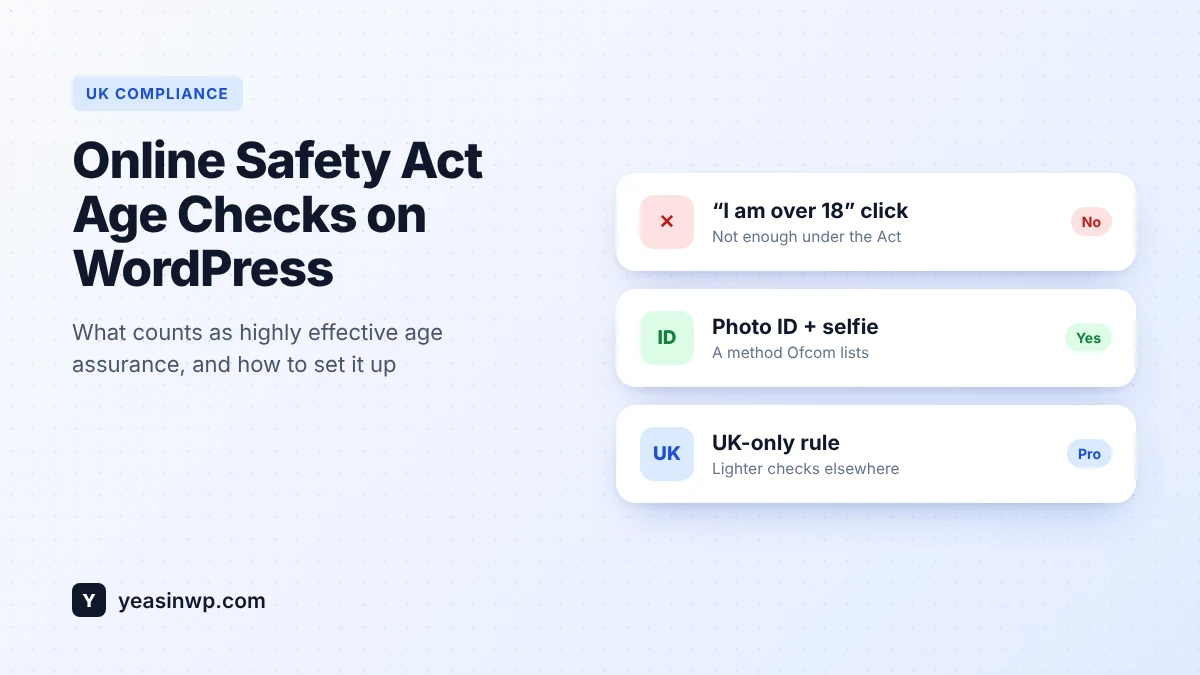
Regulators increasingly separate these. In the UK, for example, Ofcom does not accept a simple "I am over 18" click as an effective age check for services covered by the Online Safety Act. In the US, online vape sellers must verify buyers with an outside service under the PACT Act. If a rule like this applies to you, a popup on its own is not enough.
How ID verification works on a WordPress site
- The visitor reaches a page, or the checkout, that requires a verified age.
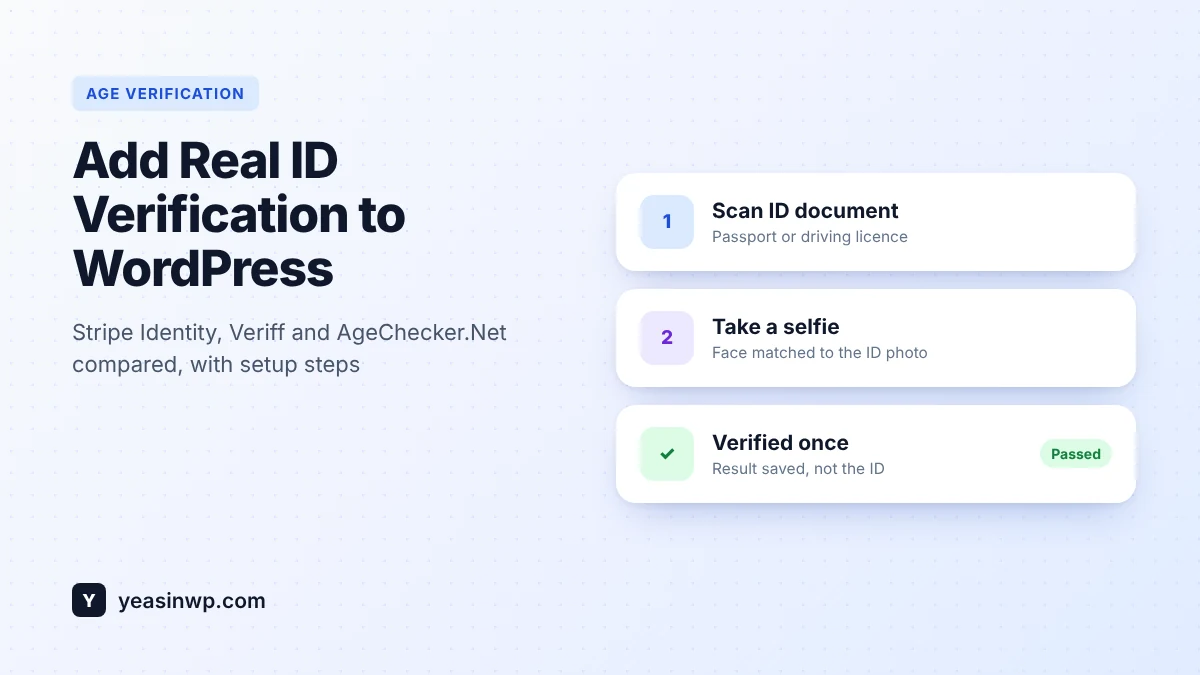
- Your plugin opens the provider's secure verification flow. The visitor takes a photo of their ID and, usually, a short selfie.
- The provider checks that the document is genuine, reads the date of birth and matches the face.
- The provider tells your site "verified" or "not verified". Your plugin stores the result, not the ID photo, and lets the visitor continue.
- A cookie or the customer account remembers the result, so returning customers are not checked again every visit.
The important design choice is the last step. Checking every visitor on every visit is expensive and drives people away. Checking once, remembering the result and only checking where you must is what keeps both compliance and sales intact.
Stripe Identity vs Veriff vs AgeChecker.Net
| Stripe Identity | Veriff | AgeChecker.Net | |
|---|---|---|---|
| Method | ID document plus selfie match | ID document plus selfie and liveness | Database check first, ID upload as fallback |
| Pricing model | Published per-verification price ($1.50 in the US at the time of writing, first 50 free) | Plans and quotes from Veriff | Plans from AgeChecker.Net |
| Best for | Stores already using Stripe that want simple, published pricing | Global audiences and many document types | US age-restricted retail such as vape and tobacco |
| Customer friction | Medium: photo of ID plus selfie | Medium: photo of ID plus selfie | Low for most buyers: many pass on name, address and date of birth alone |
Prices and coverage change, so always confirm on each provider's own pricing page before you decide.
Which provider should you pick?
- You sell to US customers and want the smoothest checkout: a database-first service like AgeChecker.Net often lets most adults pass without uploading an ID.
- You already run payments through Stripe: Stripe Identity is quick to set up and the cost per check is published.
- Your customers come from many countries: Veriff supports a wide range of documents and languages.
You don't have to pick just one. With Advanced Age Verification Pro you can, for example, use a database check in the US and a document check in the UK.
Setting it up with Advanced Age Verification Pro
- Create an account with your provider and copy the API keys from its dashboard.
- In WordPress, open the plugin settings, go to the Identity tab and choose Stripe Identity, Veriff or AgeChecker.Net. Paste your keys. The step-by-step guide is in our docs: ID verification providers.
- Decide where ID checks apply. Use region rules to require an ID check only for certain countries or US states, and keep a simple date of birth everywhere else.
- Protect checkout if you sell products. Turn on the WooCommerce checkout age check. Orders from unverified customers can be held until the check passes.
- Add a manual fallback. Some genuine adults fail automated checks, for example with a worn ID. Enable manual ID upload with a review queue so you can approve them yourself instead of losing the sale.
- Test in a private window using each provider's test mode before you go live.
How to keep conversions high with ID checks
- Check late, not early. Let people browse with a simple popup and run the ID check at checkout. They are more willing to verify when they have already decided to buy.
- Check once. Remember verified customers so they are never asked twice.
- Explain why. One sentence such as "The law requires us to confirm your age before shipping" reduces drop-offs more than any design change.
- Only where required. Region rules let you use ID checks in strict regions and lighter checks elsewhere.
- Measure it. Pro's analytics show your pass rate and where people drop off, so you can spot a problem quickly.
Privacy: what you should store (and what you shouldn't)
ID images are sensitive personal data. The safest approach is to let the provider handle the document and store only the result on your site: verified or not, when, and by which method. That keeps your database small and your privacy duties lighter. If you do accept manual uploads, delete the images once they are reviewed and keep only the decision. Pro's compliance vault keeps that record and can export it as CSV or a PDF report.
This article is a technical guide, not legal advice. Check which age verification rules apply to your products and markets.
Get started
Start with the free Advanced Age Verification Popup plugin for a fast, cache-friendly age gate. When you need real ID checks, Advanced Age Verification Pro connects Stripe Identity, Veriff and AgeChecker.Net, and your existing settings carry over.