Short answer: since 25 July 2025, UK services covered by the Online Safety Act that allow pornography or other content harmful to children must use highly effective age assurance. A Yes/No popup does not qualify. If your WordPress site is in scope, you need a real check such as photo ID with a selfie, and you should keep a record of how it works. If your site is an ordinary online shop, the Act may not apply to you at all, but other UK age rules still do.
The Online Safety Act caused a lot of confusion among WordPress site owners. Some thought every site with an age gate now needs ID checks. Others assumed it only affects big social networks. Both are wrong. This guide explains, in plain English, who the age check rules apply to, what counts as "highly effective", and how to set it up on WordPress without blocking your visitors from other countries.
Who the age check rules apply to
The Online Safety Act regulates three main kinds of online service:
- User-to-user services: sites where users can post content that other users see, such as forums, communities, social features, comment-heavy membership sites and file sharing.
- Search services.
- Services that publish pornographic content themselves.
The strongest age check duties fall on services that publish or allow pornography, and on user-to-user services that allow the most harmful content for children. Ofcom has enforced these duties since 25 July 2025, and it has already fined platforms that did not comply. Penalties under the Act can reach £18 million or 10% of global revenue, whichever is higher.
What about online shops selling alcohol, vape or CBD?
A typical WooCommerce store that sells age-restricted products, without user-generated content, is not the main target of the Online Safety Act. But it still has to follow the rules for what it sells. For example, it is illegal to sell alcohol to anyone under 18 in the UK, and online retailers are expected to check age before delivery. So the practical question for a shop is not "does the OSA apply?" but "is my age check strong enough for my product?"
What "highly effective age assurance" means
Ofcom does not name one required technology. Instead, a method must be technically accurate, robust, reliable and fair. Ofcom lists methods it considers capable of meeting that standard, including:
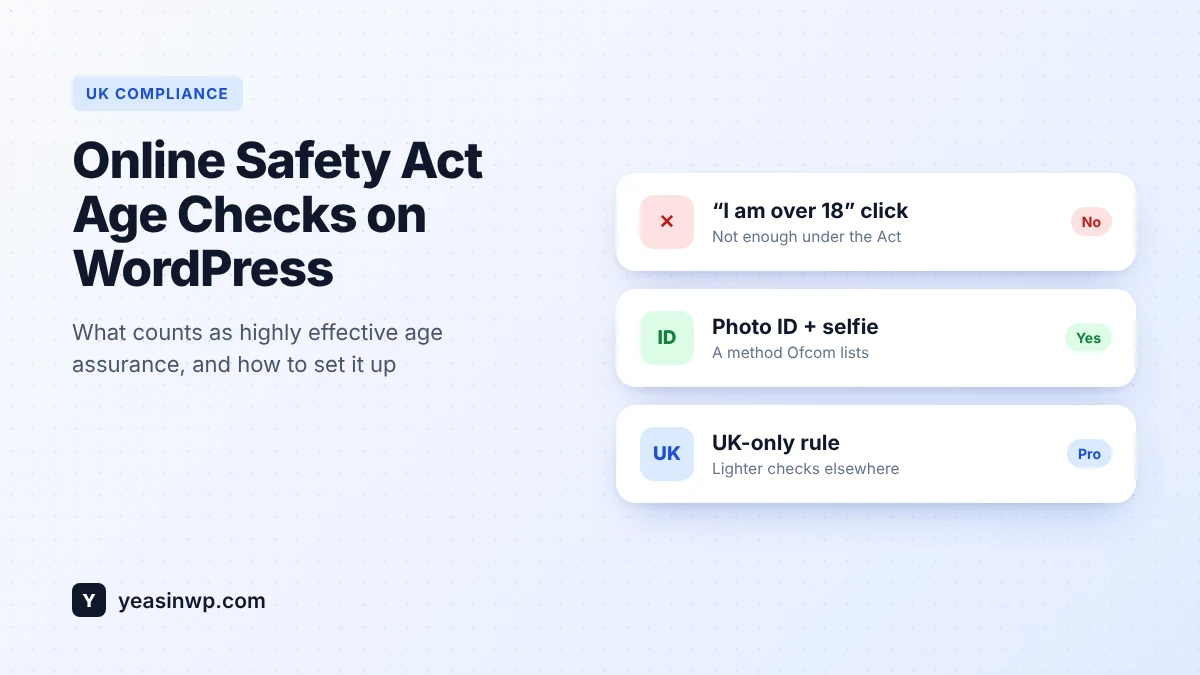
- Photo ID matching (a photo of a passport or driving licence matched to a selfie)
- Facial age estimation
- Open banking
- Mobile network operator age checks
- Credit card checks
- Digital identity services
- Email-based age estimation
Ofcom is equally clear about what does not work: self-declaration (ticking "I am over 18" or typing a date of birth), general contractual terms that say users must be adults, and payment methods that do not require the user to be 18.
Services in scope also need to keep a written record of their age assurance process and publish a summary of it. That record matters as much as the check itself.
How to add Online Safety Act age checks to WordPress
The key is to apply strong checks to UK visitors without forcing ID checks on everyone else. Here is how to do it with Advanced Age Verification Pro.
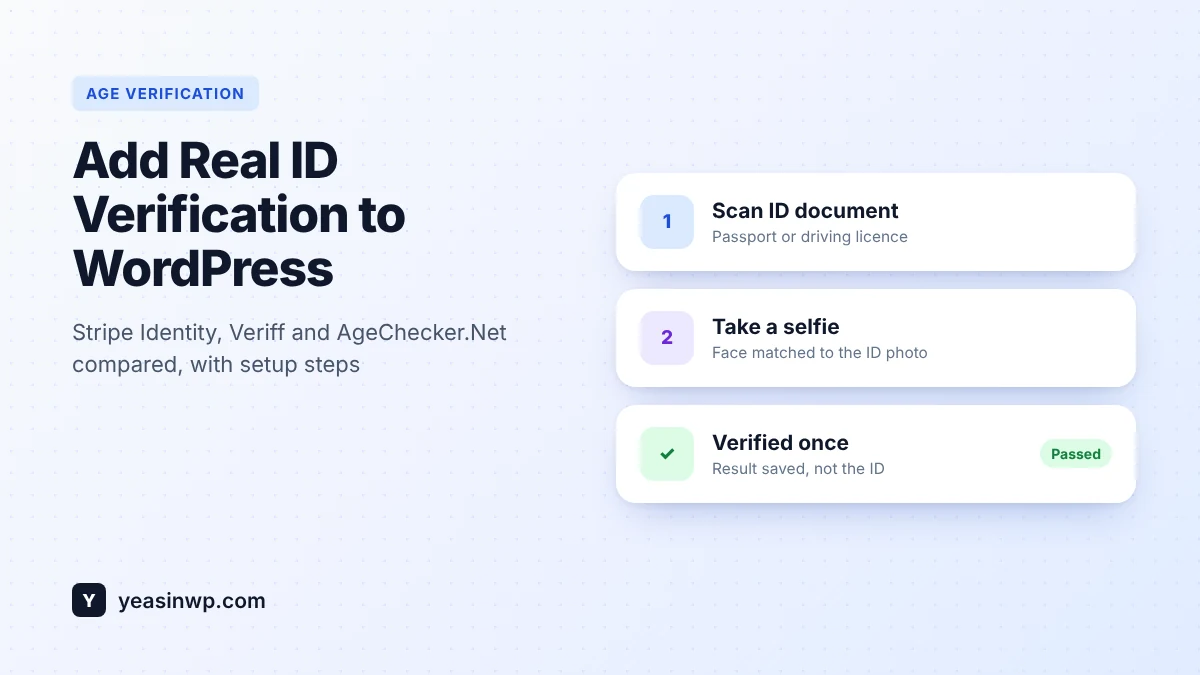
- Connect an ID provider. Pro supports Stripe Identity, Veriff and AgeChecker.Net. Photo ID with a selfie match is one of the methods Ofcom lists. Setup steps: ID verification providers.
- Create a region rule for the United Kingdom. Set the method to ID verification for UK visitors and keep a lighter check, such as date of birth or Yes/No, for other countries. See region rules and strict content gating.
- Gate only what needs gating. If only part of your site is adult content, use per-page Strict mode, the shortcode, the Gutenberg block or the Elementor widget to protect those sections instead of the whole site. See age-restricted content controls.
- Stop easy workarounds. Turn on real IP detection and bot protection, and make sure the restricted content is not shown before the check passes. See security and lockout.
- Keep your records. The compliance vault logs each check and exports CSV or PDF reports you can use for your written record.
- Write your public summary. Explain in a short page which method you use, who provides it and what data you keep. Link to it from your footer.
Country detection: the part people get wrong
To apply UK-only rules, your site must know where the visitor is. Two things commonly break this:
- CDNs and proxies. Behind Cloudflare or a load balancer, the server may see the proxy's IP, not the visitor's. Use real IP detection so the country is read correctly.
- Page caching. If the UK and non-UK versions of a page are cached as one, the wrong visitors can see the wrong gate. Advanced Age Verification is built to work with page caching, but always test from a UK and a non-UK connection after setup.
Also decide what happens with VPN users and unknown locations. The cautious choice for adult content is to treat an unknown country as strict.
Don't hurt your other visitors (or your SEO)
- Use ID checks only where they are required. Asking every visitor worldwide for a passport is unnecessary and costly.
- Remember verified visitors so they are not checked again every visit.
- Make sure search engines can still read your public, non-adult pages. Read Does an Age Verification Popup Hurt SEO?
Quick checklist
- Do you allow pornography or user-generated content that could be harmful to children? If yes, you are likely in scope.
- Is your UK age check one of the methods Ofcom lists, not a Yes/No popup?
- Is restricted content hidden until the check passes?
- Do you keep a written record and publish a summary?
- Have you tested from a UK IP address in a private window?
This guide explains the technical side and summarises public guidance from Ofcom. It is not legal advice. If you are unsure whether your service is in scope, read Ofcom's guidance or speak to a lawyer.
Set it up today
Advanced Age Verification Pro lets you require photo ID checks for UK visitors, keep a simple age gate everywhere else and export a compliance report, all from WordPress. Already using the free plugin? Your settings carry over when you upgrade.