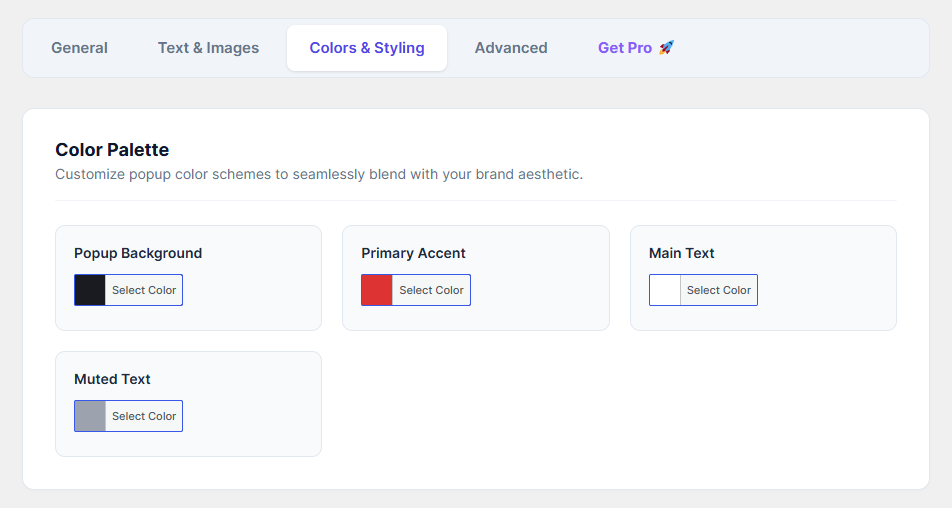
Ensure your age gate seamlessly blends with your brand aesthetic using the built-in color palette settings.
How to Configure:
Navigate to the Colors & Styling tab.
Use the color pickers to customize the following elements:
Popup Background: Changes the main background color of the verification box.
Primary Accent: Changes the color of your primary action buttons (like the "Enter" button) to make them stand out.
Main Text: Sets the color for your Title and primary text content.
Muted Text: Sets the color for your Subtitle and Footer Warning text, keeping it readable but less dominant.
Once you are happy with your color scheme, click Save Changes.