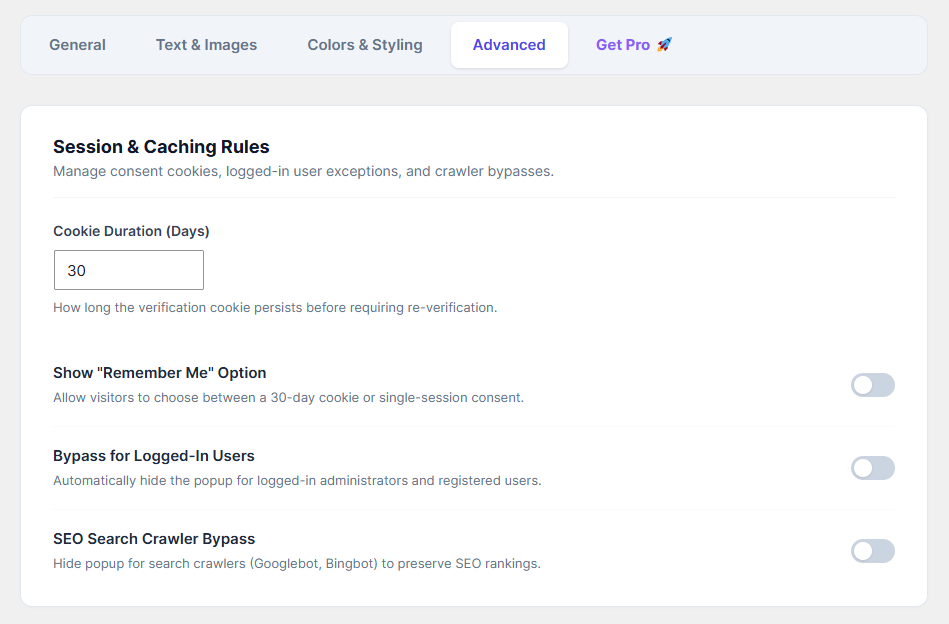
The Advanced tab gives you fine-grained control over user sessions, caching, and how search engines interact with your age gate.
How to Configure:
Go to the Advanced tab.
Cookie Duration (Days): Define how long a user's browser should remember their approval before asking them to verify their age again. (Default is
30days).Show "Remember Me" Option: Toggle this ON if you want to give visitors a checkbox to explicitly consent to the 30-day cookie. If left off, the cookie applies automatically.
Bypass for Logged-In Users: Toggle this ON to automatically hide the age popup for your site administrators, editors, and registered customers who are actively logged in.
SEO Search Crawler Bypass (Highly Recommended): Toggle this ON. This ensures that Googlebot, Bingbot, and other search engines can crawl and index your website content perfectly without getting blocked by the age gate.
Click Save Changes.