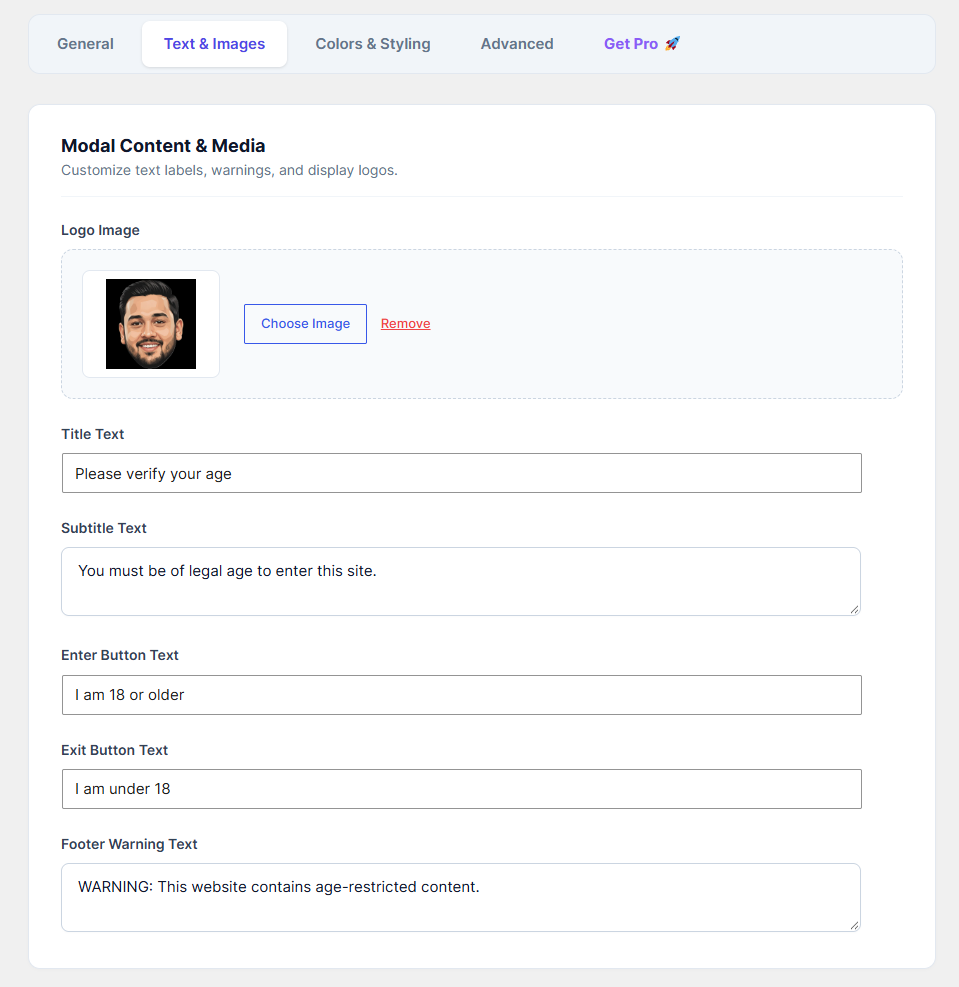
Make your age verification popup feel like a native part of your website by adding your own branding and personalized messages.
How to Configure:
Go to the Text & Images tab.
Logo Image: Click Choose Image to upload your brand's logo. This will be prominently displayed at the top of the verification modal. You can click "Remove" if you prefer a text-only popup.
Title Text: Write a clear, welcoming headline (e.g., "Please verify your age").
Subtitle Text: Add a brief secondary message or legal disclaimer (e.g., "You must be of legal age to enter this site.").
Enter Button Text: Customize the approval button (e.g., "I am 18 or older" or "Yes, I am").
Exit Button Text: Customize the rejection button (e.g., "I am under 18" or "No, I am not").
Footer Warning Text: Add any required legal warnings or copyright text at the very bottom of the modal.
Click Save Changes.