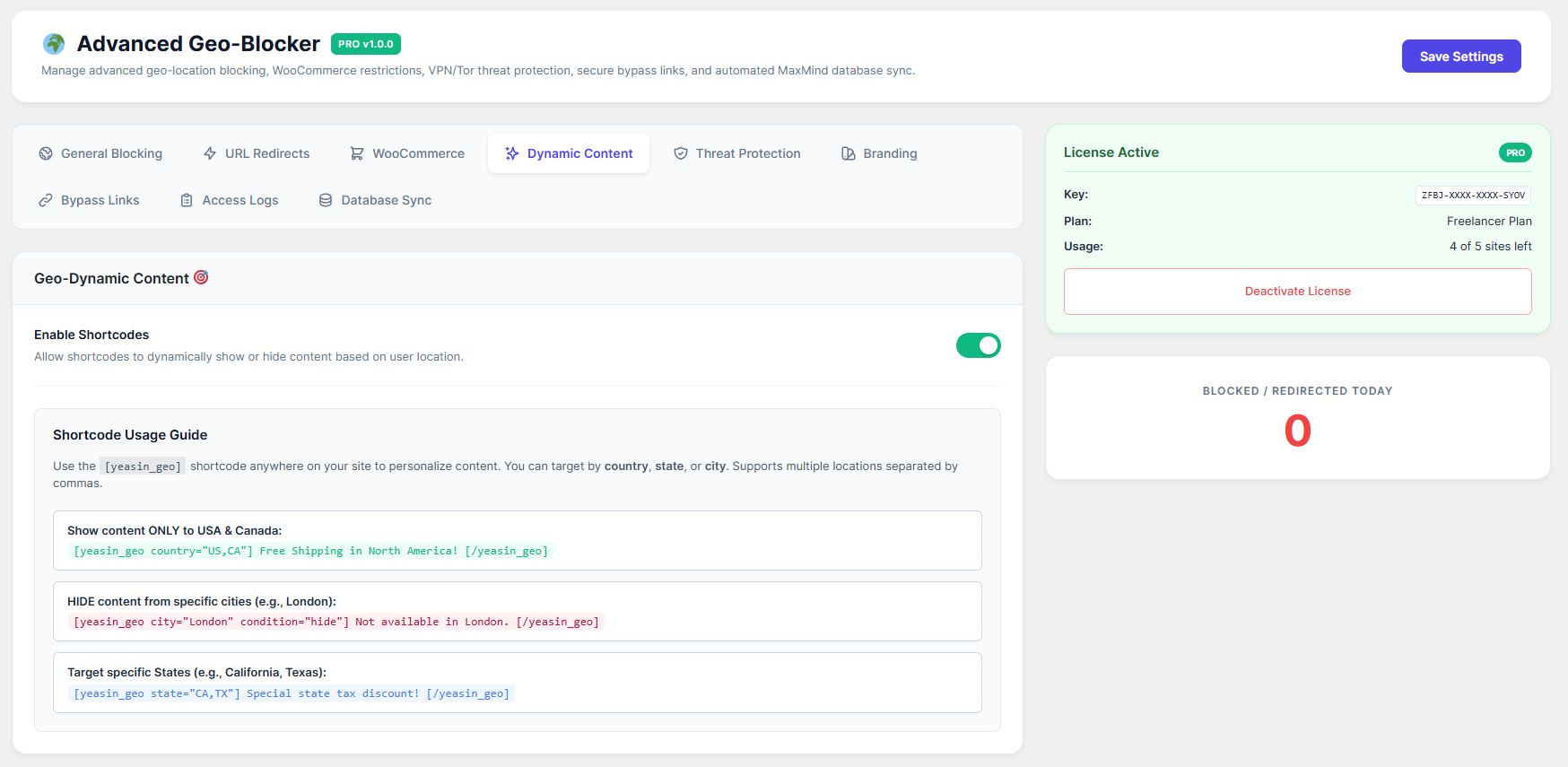
Want to show a special banner only to visitors from London? Or hide a discount code from users in Canada? The Geo-Dynamic shortcode engine makes this incredibly easy.
How to Configure:
Go to the Dynamic Content 🎯 tab and ensure Enable Shortcodes is ON.
You can use the
[yeasin_geo]shortcode anywhere on your site (Pages, Posts, Elementor, Widgets).
Usage Examples:
Show content to specific countries:
[yeasin_geo country="US,CA"] Free Shipping in North America! [/yeasin_geo]Hide content from specific cities:
[yeasin_geo city="London" condition="hide"] Not available in London. [/yeasin_geo]Target specific States:
[yeasin_geo state="CA,TX"] Special state tax discount! [/yeasin_geo]
Note: Use standard 2-letter country codes (US, GB, BD, CA, etc.).