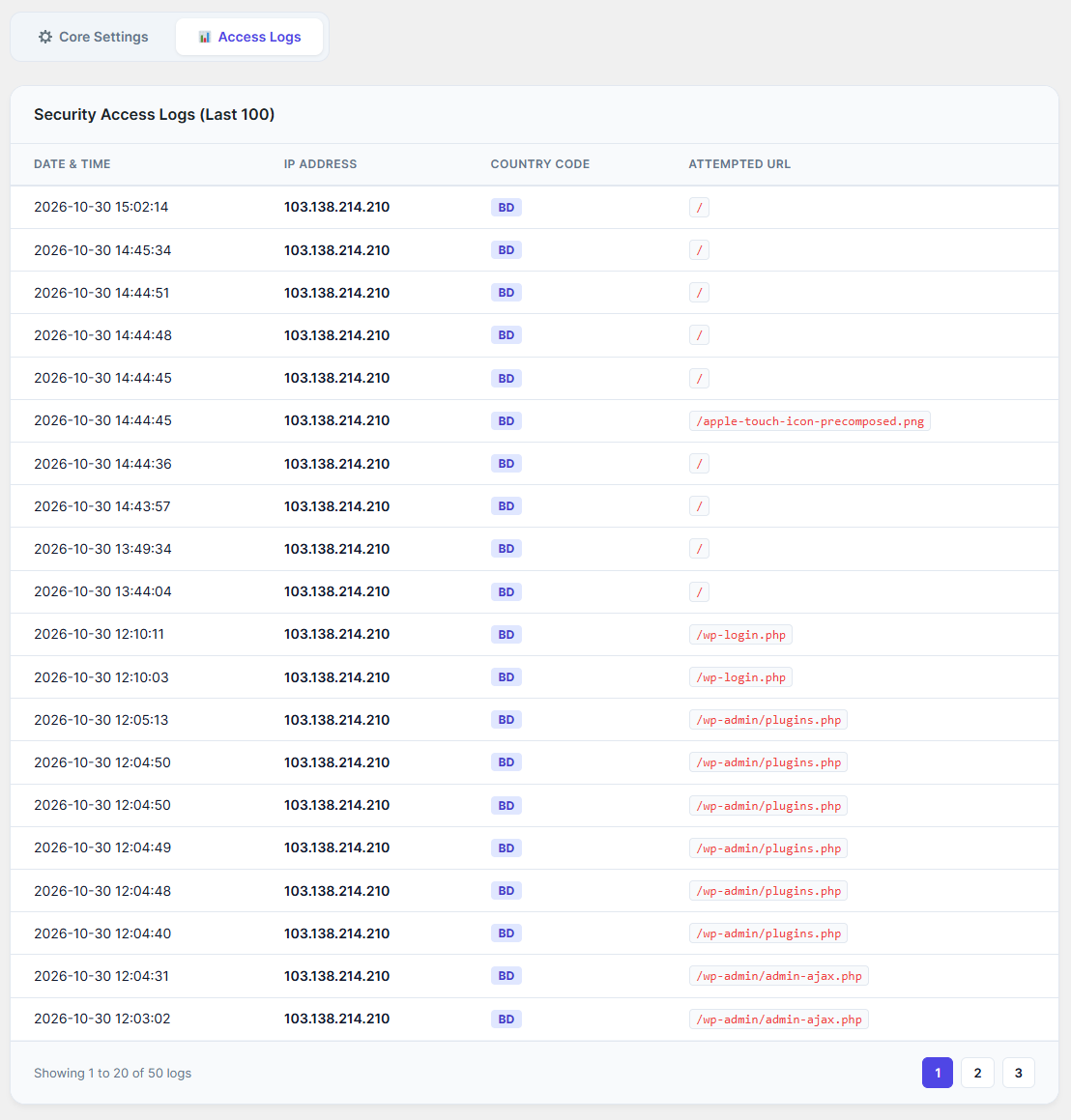
To monitor your website's traffic and identify blocked threats, switch from the "Core Settings" tab to the Access Logs tab.
Real-Time Monitoring: This table provides a detailed, paginated view of the last 100 blocked access attempts.
Log Details: For every blocked attempt, you can see the exact Date & Time, the attacker's IP Address, the Country Code they originated from, and the specific Attempted URL they tried to access.
Pagination: Use the numbers at the bottom right of the table (e.g., 1, 2, 3) to navigate through older security logs.