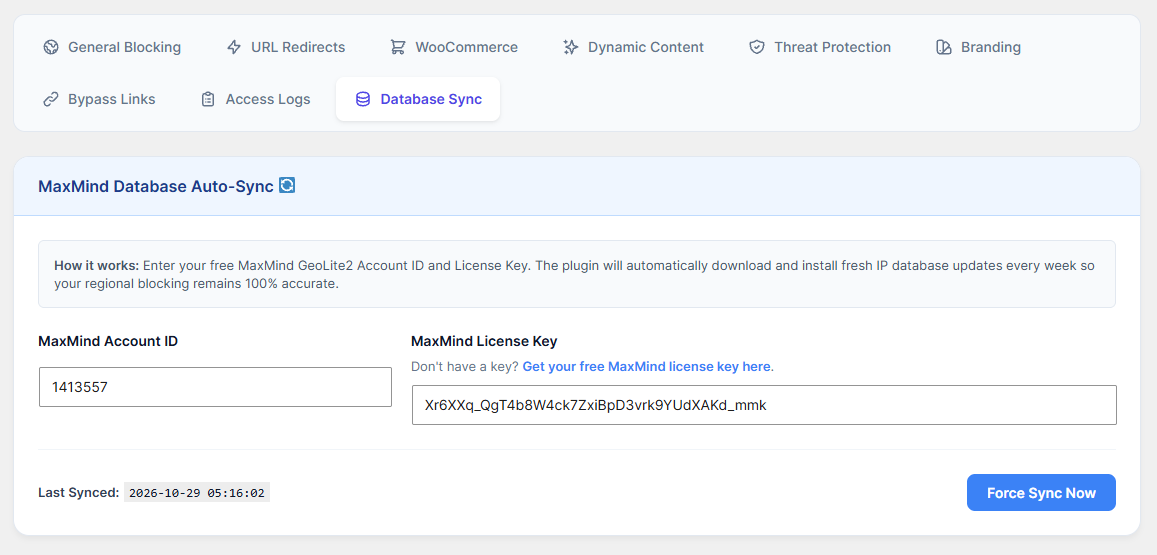
IP addresses change locations constantly. To keep your regional blocking perfectly accurate, you must link the plugin to the free MaxMind GeoLite2 database.
How to Configure:
Go to the Database Sync 🔄 tab.
If you don't have a key, click the link that says "Get your free MaxMind license key here" and create a free account.
Paste your MaxMind Account ID and MaxMind License Key into the respective fields.
Click Save Settings.
Once saved, click the blue Force Sync Now button.
The plugin will securely download the latest IP database to your server. From now on, it will automatically update itself every week in the background!